Private voice notes for iPhone
Talk it out.
Keep it yours.
Turn your voice into organized notes.
Your voice and words stay on your iPhone.
No account. No cloud transcription.
A little less on your mind
From a thought
to a note.
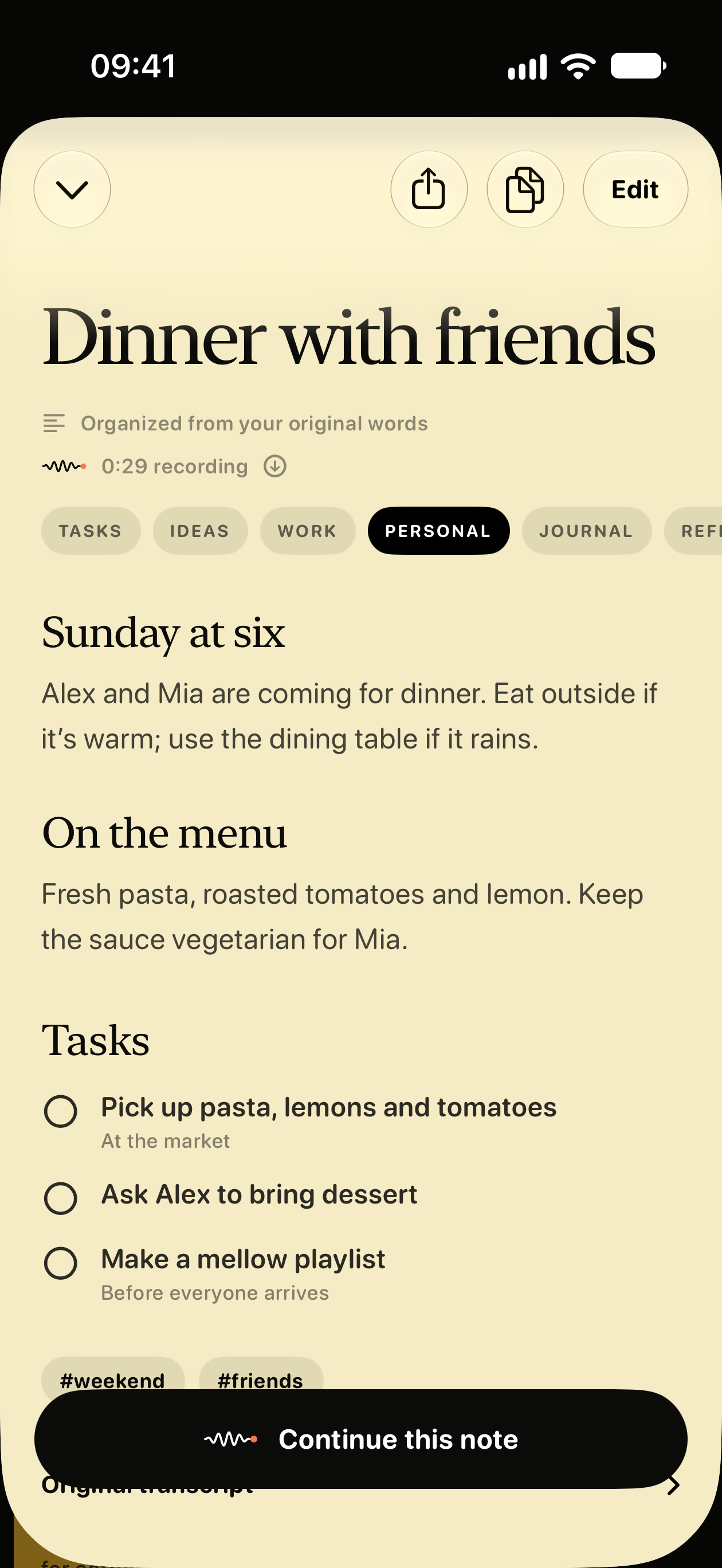
Say it as it comes. Talet gives your words a place, with topics, tasks and your original transcript together.
- 01
Speak your mind.
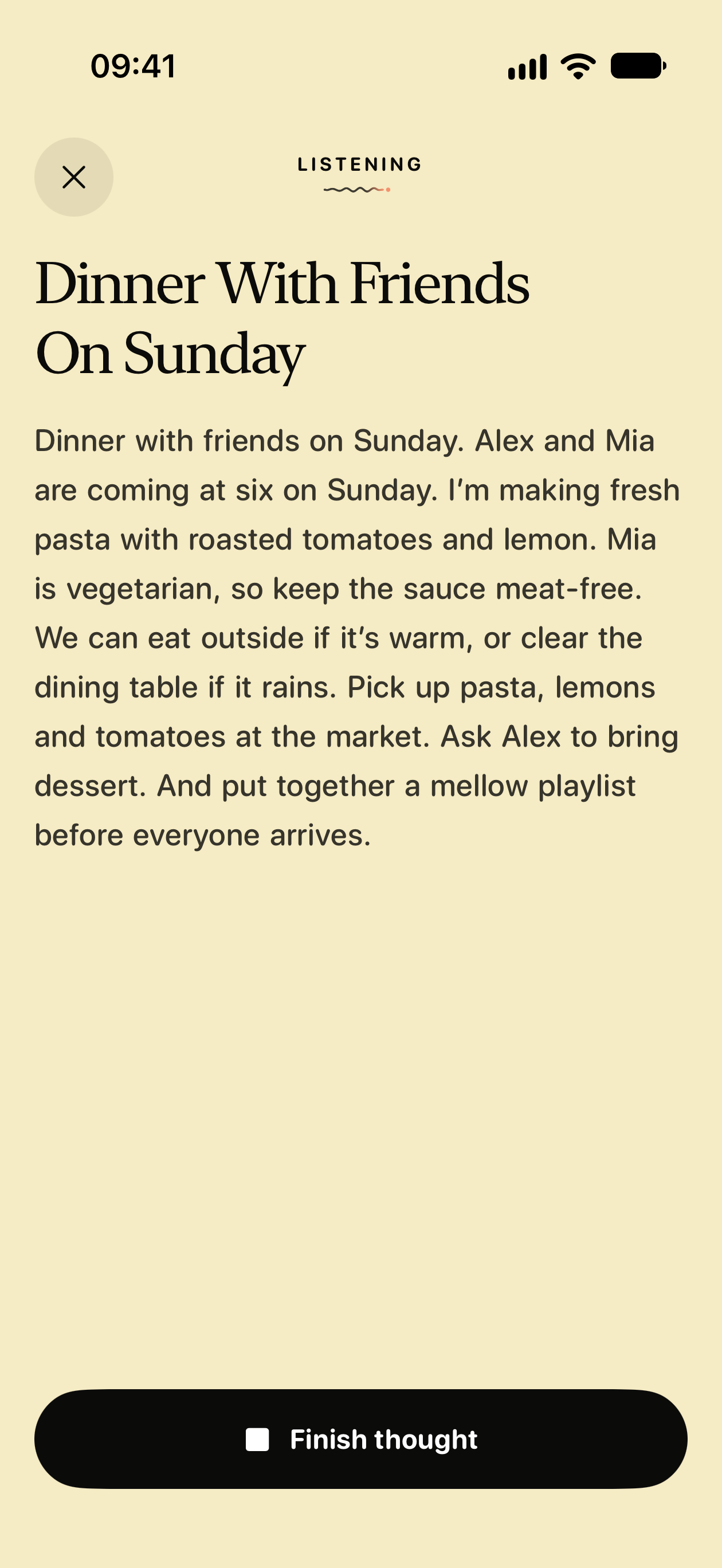
Capture an idea, a plan or a whole train of thought. See your words as you speak.
- 02
Find the shape of it.
Bring the related thoughts and to-dos together in one organized note.
- 03
Keep the original, too.
Revisit your transcript. Listen to your recording. Export it when you want to.
Your voice
stays here.
Some thoughts are just for you.
Your voice, transcripts and notes are processed on your iPhone, never sent away for AI processing.
No account to create.
Open Talet and make space for a thought.
No cloud transcription.
Record and transcribe offline once the speech model is installed.
Your originals, kept.
Keep your notes, transcripts and recordings on your phone. Share only when you choose.
A notebook that feels like yours
All your thoughts.
A little more
together.
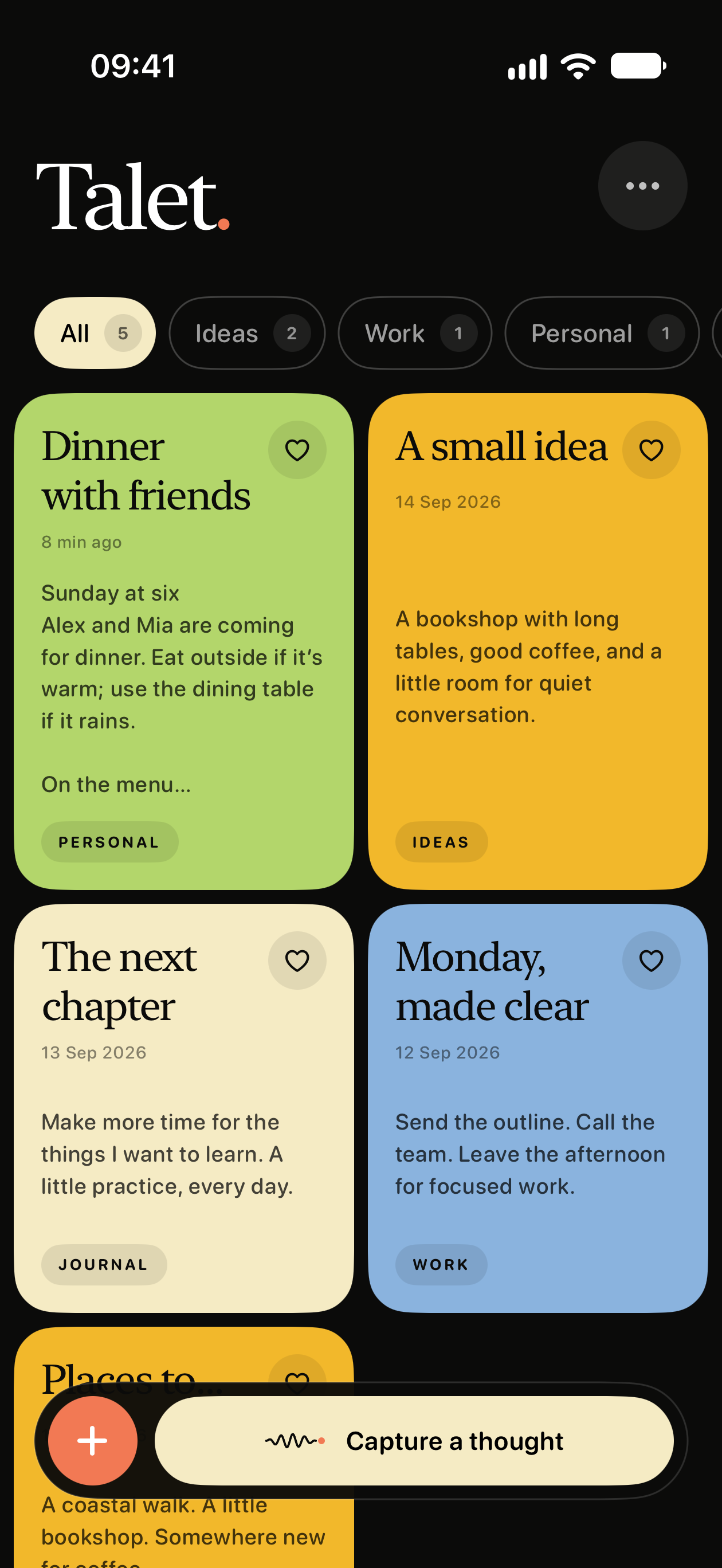
The idea on your walk. The plan for the weekend. The thing you must remember. Find them again with titles, categories and search.
And beyond your notebook
Your voice.
In other apps.
Reply to a message. Write an email. Use the Talet keyboard to turn speech into text, right on your iPhone.
Talet transcribes on your device. The app you type into handles the text you choose to put there.
Private voice typing, explained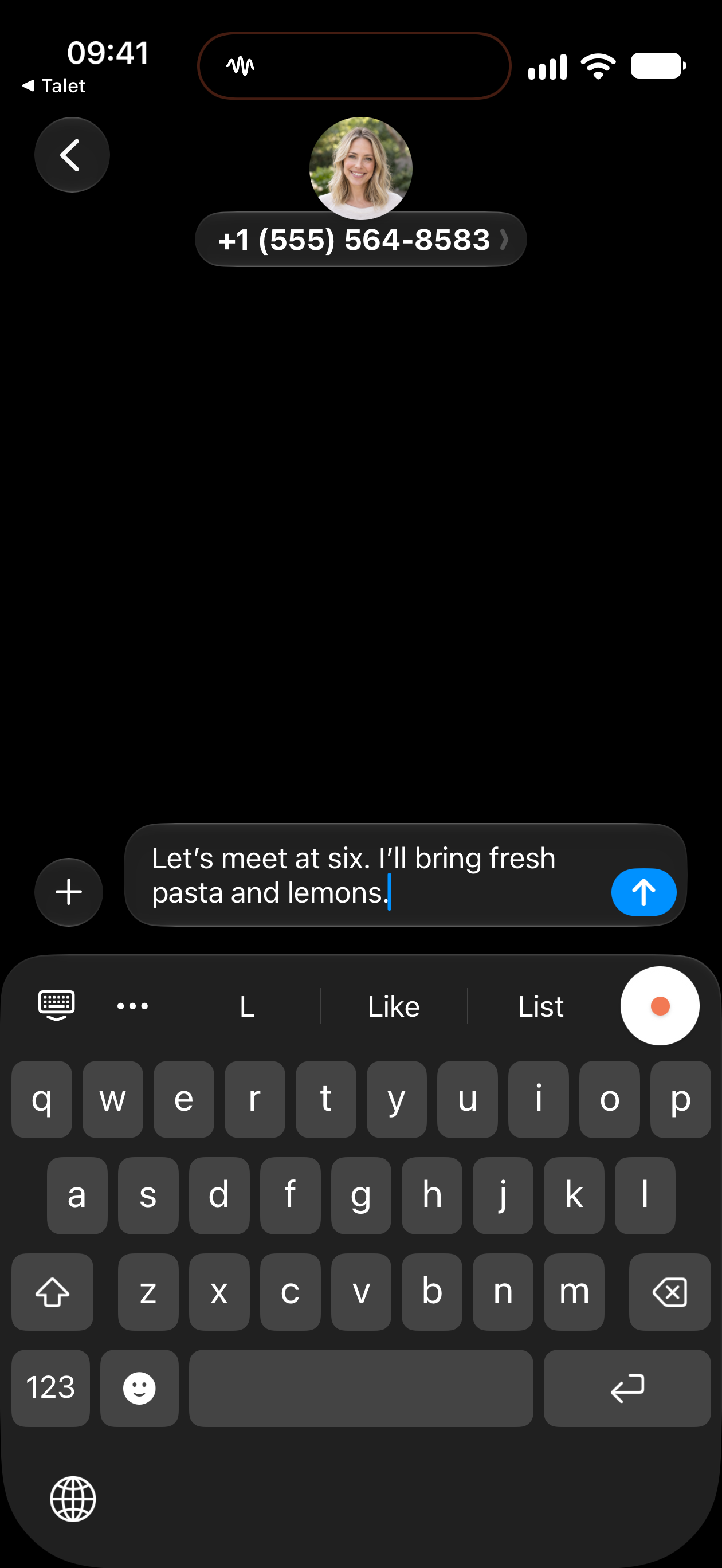
Room to begin. Room to grow.
Find your flow.
Start with a free weekly voice allowance. When you need more space to speak, there’s Talet. Pro.
US$3.99/month or US$29.99/year.
US App Store prices. Prices in other countries may differ and are shown in the app before purchase.
Your saved notes remain yours to read and export.
About plans and subscriptionsA few things you might wonder
Good questions.
Does Talet send my voice to the cloud?
No. Talet turns your voice into text and organizes your notes right on your iPhone. Your recordings and words aren’t sent away for processing. You choose what to share.
Does Talet need an account?
No Talet account, sign-in or email is required. Apple handles App Store purchases, and secure model downloads verify the app without asking you to register.
Can I use Talet for free?
Yes. Talet includes 1,000 voice words each week. Talet Pro is US$3.99/month or US$29.99/year and removes the weekly voice-word limit. US App Store prices. Prices in other countries may differ and are shown in the app before purchase. Saved notes remain readable and exportable if you stop subscribing.
Does Talet need internet?
An internet connection is needed for model downloads, purchases and restoring subscriptions. Once its models are ready, Talet records and transcribes on your iPhone, including in airplane mode.
How are my notes stored?
Notes are stored on your device with iOS complete file protection and are excluded from backups by default. That protects privacy, but it also means deleting Talet or losing the phone can permanently remove notes unless you export them first.
Which iPhones are supported?
Talet requires an Apple Intelligence-capable iPhone running iOS 26, and the first release transcribes English.
Make an informed choice
A little comparison helps.
Make space
for a thought.
Private voice notes and voice typing.
On your iPhone. In your hands.